This guide is a boilerplate for setting up the StreamRoll Elgato Stream Deck plugin.
Use it as a starting point, then replace the TODO notes with the final plugin-specific steps and screenshots once the plugin flow is finalized.
1. Before you get started
Make sure you have the following ready:
- A StreamRoll account.
- Stream Deck installed and updated.
- The StreamRoll overlays already working in your streaming setup.
- Know where to get your UUID.
If you have not set up StreamRoll yet, start with the product overview and get a basic roll working first.
2. Install the StreamRoll plugin in Stream Deck
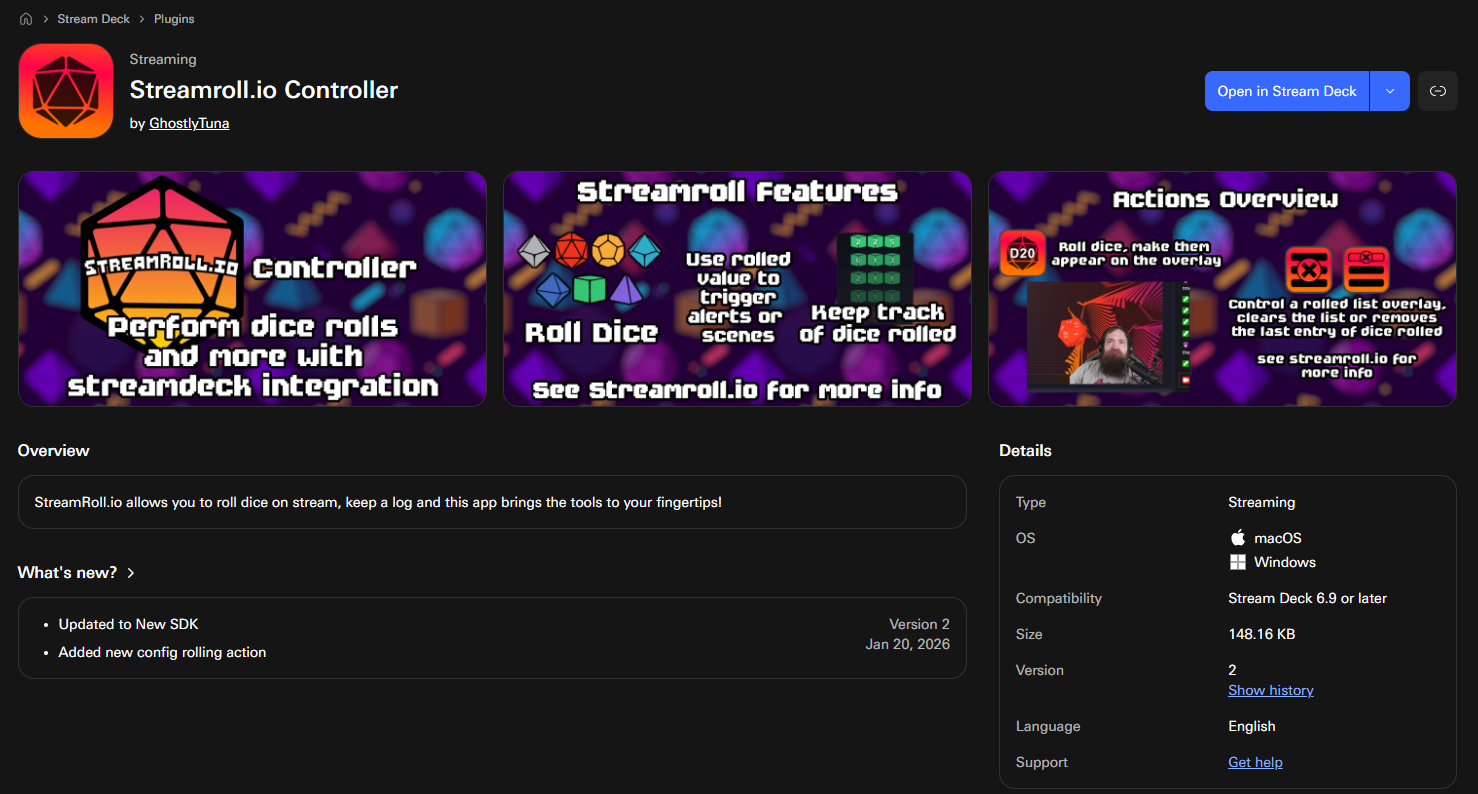
Open the Elgato Marketplace or Stream Deck plugin browser and install the StreamRoll plugin.

3. Add a StreamRoll action to a key
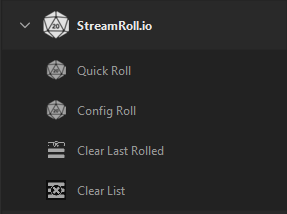
After the plugin is installed, drag a StreamRoll action onto your Stream Deck.
Actions currently included:
- Triggering a basic die roll.
- Triggering a saved config roll.
- Clearing the last item in the rolled list.
- Clearing the rolled list entirely.
4. Connect the plugin to your StreamRoll setup
Use your UUID from the “Tools” page of StreamRoll.io and add that into the action.
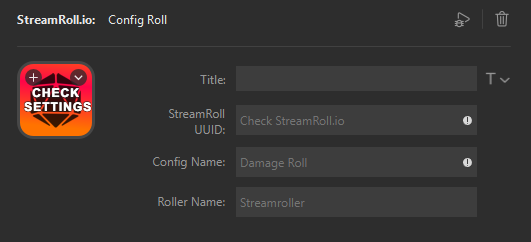
Also include Config Name and Roller Name in this example! (It will use your default if you don’t include it!)
5. Test the key
Press the configured key and verify that:
- The roll appears in the StreamRoll overlay.
- The key updates cleanly.
If nothing happens, double-check the plugin settings, the StreamRoll identifiers you entered, and whether the relevant overlay is currently active.
6. Troubleshooting
- Plugin action is missing:
- Restart Stream Deck and confirm the plugin finished installing.
- Key press does nothing:
- Re-check the UUID, config name, action name, or endpoint value.
- Roll works in StreamRoll but not on stream:
- Confirm the correct overlay is visible in your streaming software.
- Wrong roll or wrong config triggers:
- Verify spelling, capitalization, and selected action options.